
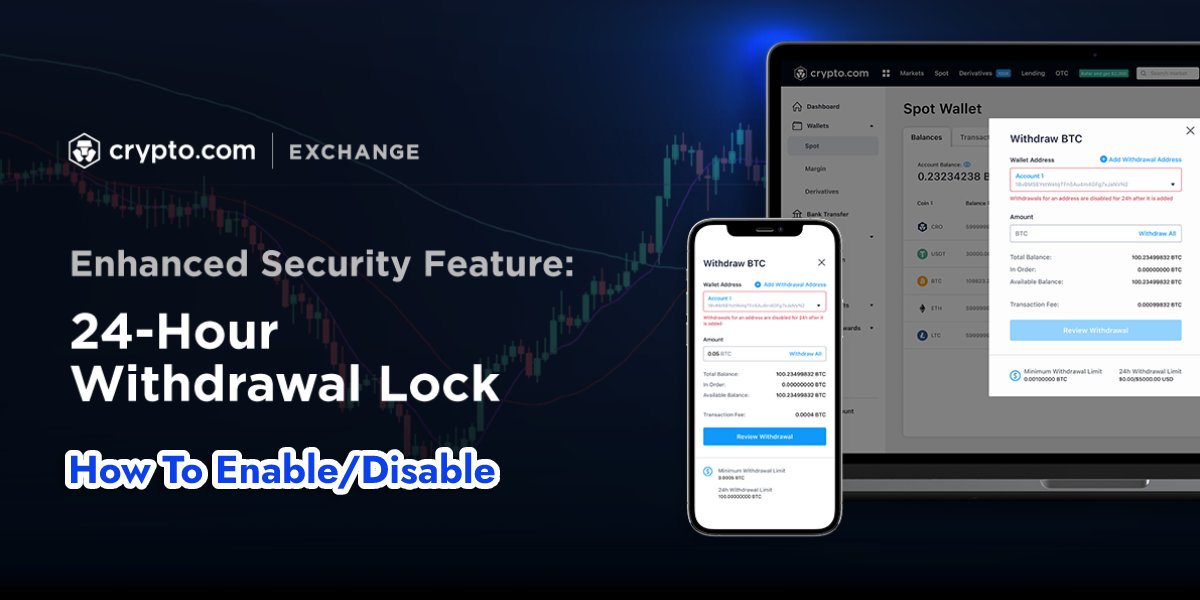
Crypto.com 24h Withdrawal Lock is a security feature designed to enhance the protection of users’ funds. With this function, Crypto.com allows users to place a 24-hour lock on any newly added withdrawal address, ensuring no unauthorized transfers can occur. In this blog, we will explain everything about the 24h Withdrawal Lock—what it is, why it matters, and how you can enable or disable it easily.
Understanding the Crypto.com 24h Withdrawal Lock
Crypto.com’s 24h Withdrawal Lock is a security measure that permits users to apply a 24h lock to recently added withdrawal addresses in their Crypto.com account. This means that any withdrawal attempts from a new address will be locked for 24 hours, offering an extra layer of security for users.
Pros of Crypto.com 24h Withdrawal Lock:
- Enhanced security against unauthorized withdrawals
- Greater control over fund management
- Prevention of impulse decisions
Cons on 24h Withdrawal Lock:
- Inconvenience during urgent transactions
- Requires additional planning
If you want to manage your funds more efficiently, you can also learn How To Increase Your Withdrawal Limit On Crypto.Com for smoother transactions.
How to Disable the 24h Withdrawal Lock?
To turn off the 24-Hour Withdrawal Lock feature, follow these steps:
- Launch the “Crypto.com App” and navigate to “Settings“.
- Under the “Security tab“, click on “24h Withdrawal Lock“.
- Toggle the 24-Hour Withdrawal Lock off.
- “Confirm” your choice by clicking “I want to disable.”
How to Enable the 24-Hour Withdrawal Lock?
To turn on the 24-Hour Withdrawal Lock feature, follow these steps:
- Visit the Crypto.com Exchange and “sign in to your account“.
- Access the “Dashboard“ and click “Settings“.
- Select “Withdrawal Whitelist” under the “Security tab“.
- Here, you can toggle the “24-Hour Withdrawal Lock on/off“.
- After toggling it on, a pop-up message will appear to “confirm“ your change.
It’s essential to remember that when you activate the 24-Hour Withdrawal Lock feature, any new withdrawal addresses will be subject to the 24-hour lock.
Conclusion
In summary, the Crypto.com 24h Withdrawal Lock feature is a valuable security measure provided by Crypto.com, allowing users to enhance the protection of their funds. Users can choose to enable or disable this feature based on their needs.
FAQs (Frequently Asked Questions)
What is the purpose of the 24-Hour Withdrawal Lock feature?
The 24-Hour Withdrawal Lock feature is a security measure provided by Crypto.com to help protect users’ funds. By imposing a 24-hour lock on newly added withdrawal addresses, it adds an extra layer of security and makes it more difficult for unauthorized users to access and withdraw funds.
Can I disable the 24-Hour Withdrawal Lock feature after enabling it?
Yes, you can disable the 24-Hour Withdrawal Lock feature at any time by following the steps outlined above. Keep in mind that disabling this feature will remove the additional layer of security provided by the 24-hour lock on newly added withdrawal addresses.
Does the 24-Hour Withdrawal Lock apply to all my withdrawal addresses?
The 24-Hour Withdrawal Lock applies only to newly added withdrawal addresses after the feature has been enabled. Existing withdrawal addresses in your account will not be subject to the lock. If you want to apply the lock to all your addresses, you can remove and re-add them after enabling the 24-Hour Withdrawal Lock feature.